 Camystat
TIFF to MOV Converter
TIF to MOV Converter
This application is optimized for fast conversion of large TIFF image sequences to the MOV format on the user's local machine, a recommended step before the main Camystat analysis.
The TIF to MOV Converter application is a dedicated software tool developed to extend the functionality of the Camystat analytical ecosystem. Its creation was motivated by the data formats commonly generated by modern microscopy systems, particularly those designed for high-frame-rate (high-FPS) image acquisition. Such systems typically export recordings as collections of individual TIFF files. While this format preserves excellent image quality and ensures precise data representation, it complicates direct integration with Camystat, which natively operates on .mov video files. The converter enables automated transformation of TIFF image sequences into MOV files that are immediately ready for downstream analysis. It supports both single-level and nested directory structures, allows users to specify the output frame rate (FPS), and offers optional image resizing. These features streamline data preprocessing and remove the need for manual conversions using third-party software. TIF to MOV Converter was designed as a lightweight, fast, and compatible solution tailored to typical data formats produced by research-grade microscopes, enabling seamless integration with subsequent analytical workflows in the Camystat environment. The application is available for both Windows and macOS operating systems.
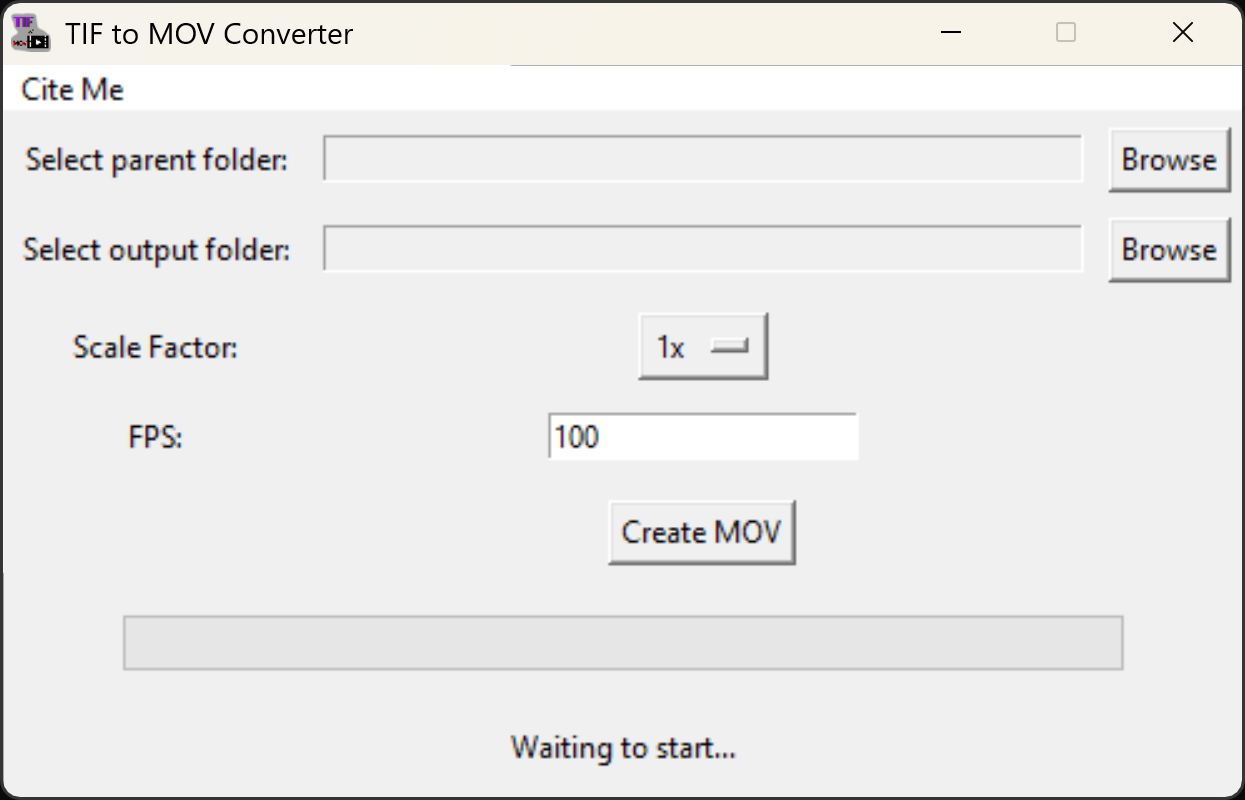
The project is fully open-source and written in Python, making it easy to inspect, adapt, and extend for specific research needs.
Its source code, usage instructions, and documentation are publicly available on GitHub: